
How do I add lyrics to a song in Reels?
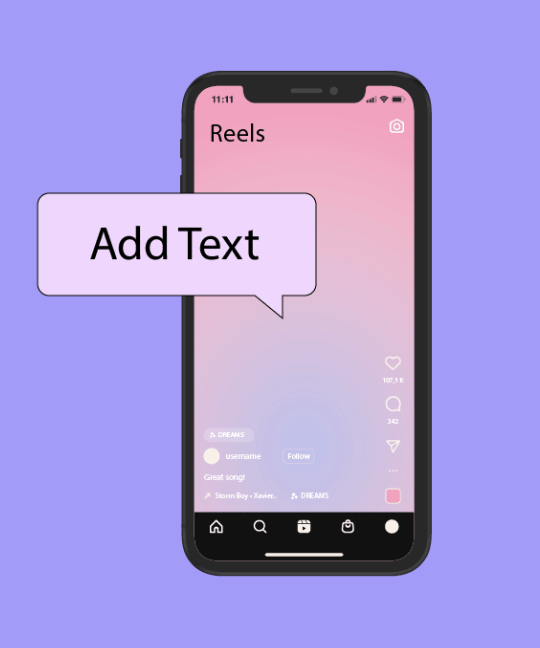
Reels is a new video format on Instagram that allows you to create short videos with music and effects. One of the most popular ways to use Reels is to add song lyrics to a video to create a karaoke or lip sync. Not only is it fun, but it also helps to attract the audience’s attention and increase your reach. In this article, we’ll show you how to add lyrics to your video using Reels.1: Select a video and open the Instagram appThe first step is to select the video you want to add lyrics to. The video can be shot in advance or created right in the Instagram app. In any case, it should be no longer than 30 seconds, as this is the maximum length of Reels. Once you’ve selected a video, open Instagram and go to the Reels tab at the bottom of the screen.2: Choose a music trackThe next step is to select the music track to which you want to match the lyrics. To do this, click the note icon at the top of the screen. You will see a list of popular tracks that can be used for Reels. You can listen to them by clicking the play button or search for more tracks by name, artist, or genre. When you find the track you want, click on it and drag the slider to select the desired snippet.3: Upload the video to Reels and add musicThe last step is to upload the video to Reels and add music with lyrics. To do this, click the Upload button in the lower right corner of the screen and select your video from the gallery. The video will be automatically trimmed to 30 seconds if it is longer. Then click the Next button and make sure the music track matches your video. If necessary, you can change the volume or synchronization of the audio and video. Now the most interesting part is adding lyrics. To do this, click the Stickers button at the top of the screen and select the Lyrics sticker. You’ll see a list of available styles for displaying lyrics. Choose the one you like and place it on the video. If you want to change the size, color, or position of the sticker, you can do so. Done! Your Reels with lyrics is ready to be published. Click the “Next” button and add a caption, hashtags, and location to your reel. Then click the Share button and enjoy the result!


